Home › Car Parking 3D
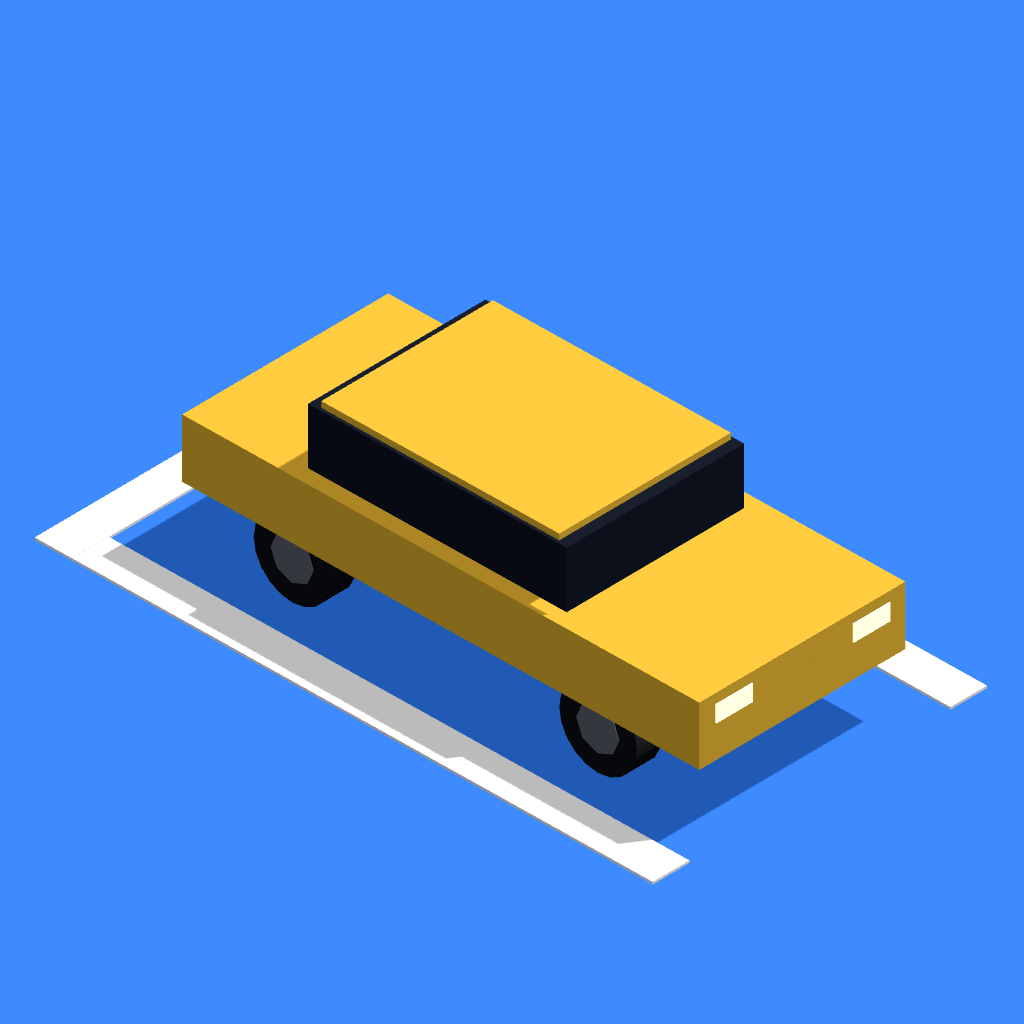
Car Parking 3D
Turn the wheel, work the pedals and slot the car into the yellow bay without a scratch.
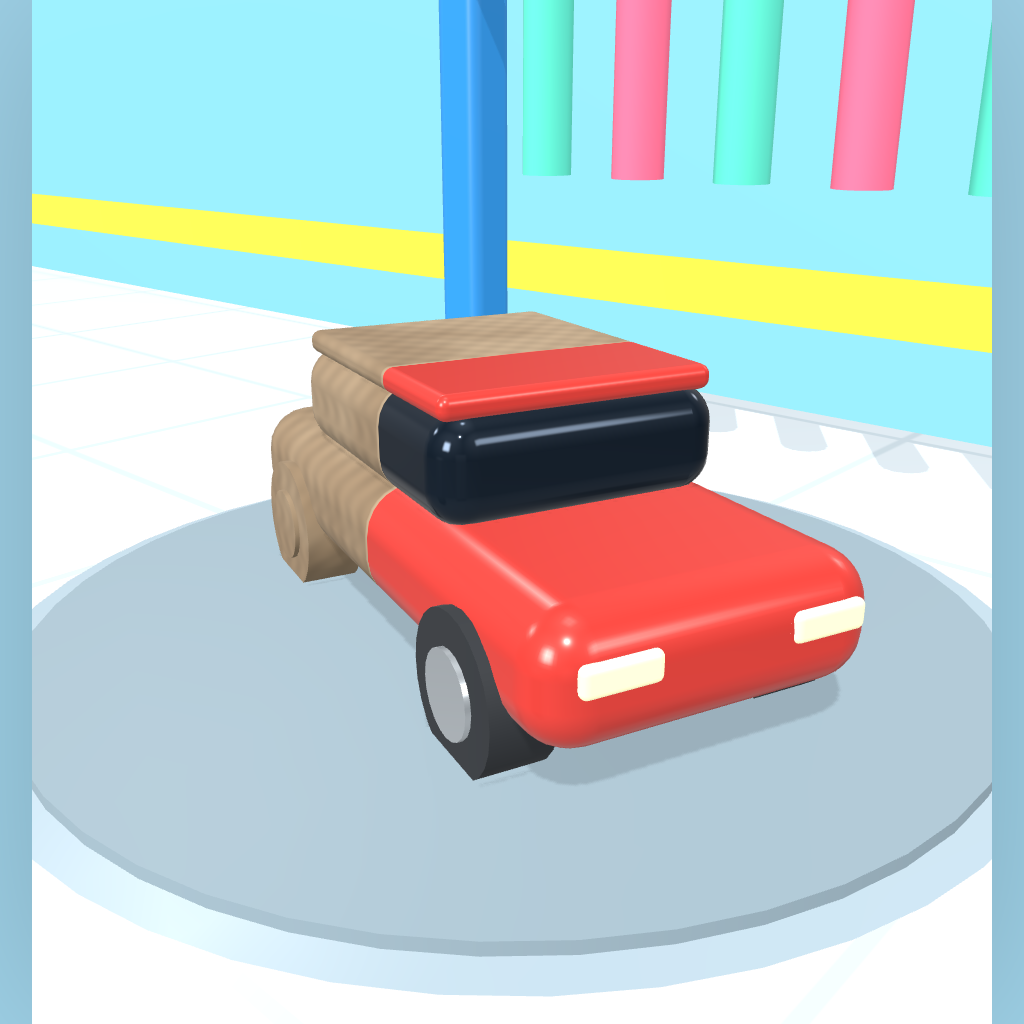
Car Parking 3D is a free car parking game you play right in your browser: a steering wheel you drag, gas and brake pedals you hold, and a P-R-N-D gear stick. Every stage is generated on a difficulty curve. The first bays are wide and the lane is empty. Later the bays narrow, cars park on both sides, cones line the lane and you start at an angle. Head-in, reverse and parallel parking all show up. Get the whole car inside the yellow bay, straighten up and shift to P. Park inside the time limit without touching anything and you get three stars. Shift into R and the camera lifts to a top-down view of the bay behind you.
How to play Car Parking 3D
Drag the wheel to steer · Hold the gas or the brake pedal · Tap P, R, N or D on the gear stick · Keyboard: arrow keys to steer and drive, P R N D for gears
Car Parking 3D FAQ
- Why did the stage not finish when my car was in the bay?
- The car also has to be straight to within 10 degrees, fully inside the lines, almost stopped and in P. Shift to P once the bay turns green.
- Do I have to reverse into reverse parking bays?
- No. The game accepts the car nose first or tail first. Reverse stages are set up so backing in is the easier way, but either direction clears the stage.
- Why can I not shift into R or P?
- You have to be nearly stopped, under about 2 km/h. Hold BRAKE until the car stops, then shift.
- How many hits can I take?
- Three hits end the run. One hit still allows 2 stars if you finish within 1.6 times par. In the left turn traffic stages, hitting a moving car ends the run at once.
- Why does my car move when I am not pressing the gas?
- In D or R the car creeps slowly like a real automatic. Hold BRAKE or shift to P to stay still.
- Can I replay old stages?
- Yes. Tap the stage number in the top left while you are not driving and pick any stage you have already reached.